Demand for live workforce analytics has surged among HR leaders seeking to react swiftly to emerging trends and make informed decisions.
Real-time HR dashboards provide live visual insights into workforce metrics, enabling HR teams to monitor critical data such as attendance, performance, and turnover as they happen.
By leveraging streaming data or change data capture (CDC), these dashboards display updates instantly, in contrast to near real-time approaches that rely on frequent polling.
This guide covers the technical setup, design best practices, and HR-specific considerations needed to implement effective real-time HR dashboards.
Key takeaways
- Real-time HR dashboards offer live visibility into time-to-hire, turnover hotspots, absenteeism trends, and payroll anomalies.
- Key metrics include recruitment efficiency, at-risk employee identification, and live labor cost tracking.
- Best practices span visual hierarchy, integration strategies, performance optimisation, and security measures.
- MiHCM delivers native modules for real-time analytics, AI-driven predictions, and self-service reporting for HR teams.
Key benefits of real-time HR dashboards
- Implementing real-time HR dashboards accelerates HR decision-making and empowers teams to stay ahead of workforce trends.
- Immediate KPI visibility: Access up-to-the-minute data on recruitment, attendance, and performance to make swift, data-driven decisions.
- Proactive risk management: Spot absenteeism spikes, overtime surges, or turnover risks as they occur, enabling timely interventions.
- Ongoing productivity monitoring: Track live performance metrics to identify operational bottlenecks and optimise resource allocation.
- Enhanced compliance: Detect payroll discrepancies and attendance anomalies in real time to maintain compliance and reduce audit risks.
Essential metrics to track in real-time HR dashboards
MetricDefinitionPurposeTime-to-hireDays from job posting to offer acceptanceAssess recruitment efficiency and adjust sourcing strategiesApplicant-to-hire ratioNumber of applicants per hireEvaluate candidate quality and recruiter performanceTurnover ratePercentage of employees leaving over a periodIdentify retention issues and plan interventionsAt-risk employeesEmployees showing disengagement signsTarget engagement programs to reduce churnAbsenteeism patternsFrequency and duration of unplanned absencesManage staffing levels and address attendance issuesOvertime trendsHours worked beyond scheduled timeMonitor workload and prevent burnoutEmployee engagementReal-time survey scores and well-being indicatorsFoster a positive workplace cultureLive payroll costsReal-time tracking of reimbursements and claimsControl labour expenses and ensure budget alignment
Designing real-time HR dashboards: Best practices
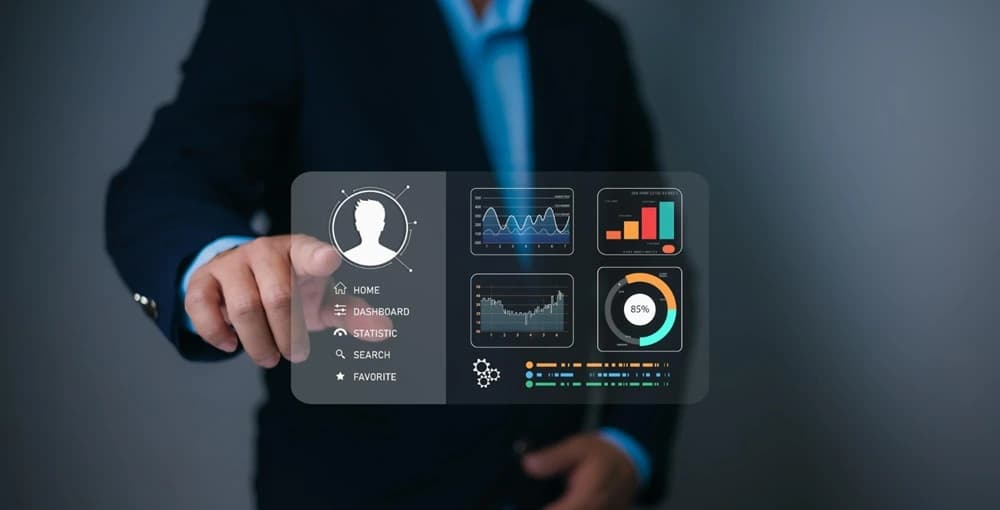
Visual hierarchy and layout:
- Place critical KPIs at the top for instant visibility.
- Group related metrics and use side panels for filters.
- Maintain consistent branding and accessible colour schemes.
Interactive elements and drilldowns:
- Enable clickable charts to reveal underlying data.
- Implement dynamic filters for date ranges, departments, and roles.
- Use tooltips to explain metrics and colour codes.
Integrating HRIS and data sources for live insights
- Connect directly to attendance, payroll, recruitment, and performance modules via native connectors or APIs.
- Leverage a central data warehouse to combine historical data with real-time streams, ensuring context.
- Maintain master data governance to align employee IDs, job codes, and cost centres across systems.
- Implement change data capture to feed live updates into the dashboard pipeline with minimal latency.
Setting up real-time data streams: From polling to CDC
Real-time architectures vary in latency and complexity.
- Polling: Dashboards query the source database at intervals (e.g., every minute), offering near real-time data but adding load.
- Micro-batching: Group small data batches every few seconds; balances freshness and performance.
- Change Data Capture (CDC): Captures data changes at the source and streams them instantly to target systems via Kafka or AWS Kinesis.
Tools and platforms for real-time HR dashboards
When evaluating platforms, consider:
- BI capabilities: Compare Power BI, Tableau, and Qlik Sense’s real-time connectors against MiHCM Analytics.
- Deployment options: Choose between hosted SaaS, on-premise, or hybrid models based on data residency requirements.
- HR connectors: Assess prebuilt integrations with major HRIS like Workday, ADP, and MiHCM modules.
- AI & scalability: Evaluate automated insights, predictive analytics, and ability to handle high-volume data streams.
- Cost & compliance: Review licensing models and certifications (ISO 27001, SOC 2, GDPR) to ensure data security.
Deploying and sharing dashboards securely
Secure deployment ensures only authorised users see sensitive HR data.
- Implement role-based access control with granular permissions and row-level security.
- Encrypt data in transit (TLS) and at rest (AES-256).
- Enable single sign-on (SSO) via SAML or OAuth and maintain audit logs.
- Schedule refresh rates based on data velocity and monitor performance with automated alerts.
How MiHCM delivers real-time HR dashboards
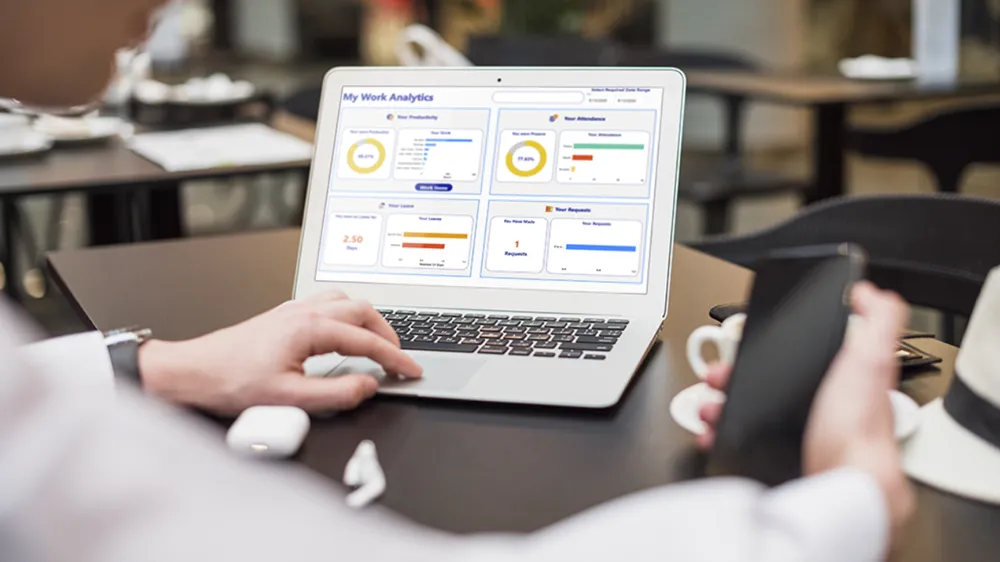
MiHCM’s integrated suite provides end-to-end support for real-time HR analytics:
- Native modules: Directly integrate attendance, payroll, recruitment, and performance data streams.
- MiHCM Data & AI: Applies machine learning to predict turnover and absenteeism, generating proactive alerts.
- SmartAssist: Automates notifications for managers when thresholds are breached, with strategic recommendations.
- Self-service reports: Accessible via MiA mobile and web portals, empowering managers with instant insights.
Next steps to implement
- Assess current reporting gaps and define a pilot focusing on 2–3 key metrics (e.g., time-to-hire, absenteeism).
- Plan a deployment timeline: design (2 weeks), integration (4 weeks), testing (2 weeks), rollout (2 weeks).
- Engage stakeholders—HR, IT, and finance—to align on data sources and governance.
- Sign up for a trial of MiHCM’s real-time analytics modules to experience live workforce insights.
Frequently Asked Questions
What is a real-time HR dashboard?
A dashboard that displays live HR metrics through streaming data or CDC, enabling immediate visibility into workforce performance.
How do I connect my HRIS data to Power BI or other BI tools?
Use native connectors, APIs, or OData feeds to link HRIS modules directly to your BI platform for live data ingestion.
What makes a dashboard truly real-time versus near real-time?
True real-time uses streaming or CDC services to push every data change instantly; near real-time relies on polling at short intervals.
What security measures protect live HR data?
MiHCM enforces encryption in transit and at rest, role-based access control, SSO, and audit logging to secure sensitive data.